AI 3D animation generator
AI 3D animation, from one image.
Upload a picture of a character, animal, creature or machine. Bake3D builds the 3D model, gives it a skeleton that fits its shape, and animates it from a sentence you type. You get a real 3D file you can use in a game or in Blender, not a flat video.
25 credits for the rig and a first motion · 10 per described motion · fitted presets free · GLB and FBX
Maintained by Bake3D · Updated
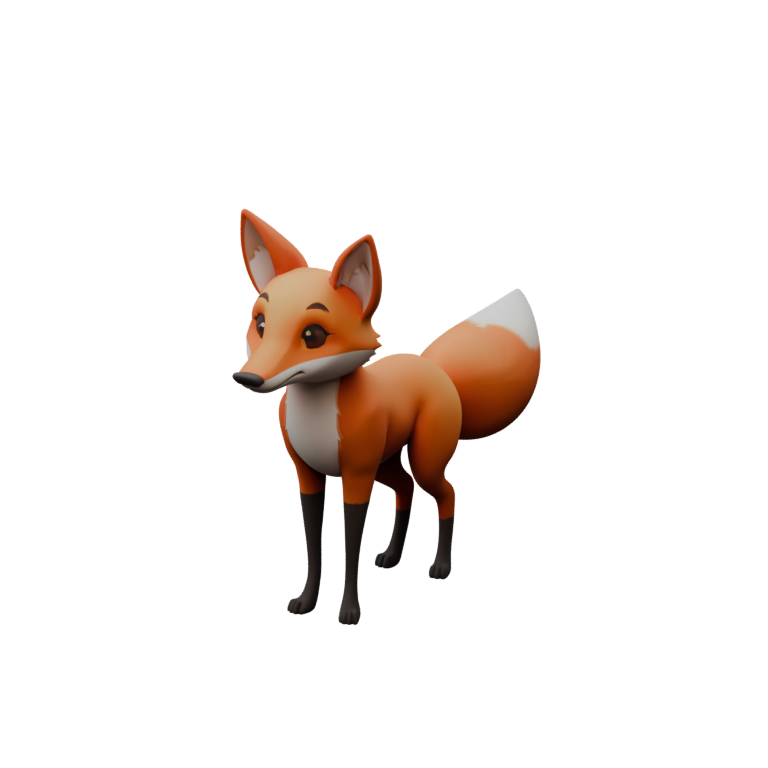
Picture in. Moving 3D character out.
Each step is its own job with its own check, so you can see where a problem starts before you spend more credits.
- 1
Upload one image
Use a drawing, a render or a photo of one subject with its whole body in view. PNG, JPEG or WebP up to 12 MB. You can add up to three more angles of the same subject.
Choosing an image - 2
Get a model and a rig
Bake3D builds a textured 3D model, then places joints where your subject actually bends. Legs, wings, tails, heads and wheels each get their own joints, and the skin is weighted to follow them.
40 + 25 credits at Standard - 3
Make it move
Type what it should do, like "wag the tail slowly and look left", or pick a preset such as a walk, trot, run or jump that is fitted to its own legs. A first short motion is made for free with the rig.
Ways to animate - 4
Export and use it
Download an animated GLB with your clips, or an FBX with one clip, at 24, 30 or 60 frames per second. Choose whether the character travels forward or stays in place.
Editor workflows
An animated 3D model is not an AI video.
Many tools called "AI animation" make a video. You give them a photo, and they paint new frames so the picture seems to move. That is great for a social post. But you cannot turn the character around, put it in a game, or change the motion later.
An AI 3D animation is different. The result is a 3D model with a skeleton and keyframes. You can view it from any side, drop it into Unity, Unreal, Godot or Blender, light it, and play the same walk in a hundred scenes. You can also render it to video yourself, from any camera angle.
If all you need is a few seconds of a moving photo, an image-to-video tool is the faster choice. If you need a character you can reuse, pose, export or print, you need a 3D model that moves. That is what this page is about.
Describe it, pick it, or edit it.
Describe the motion in words. Write one or two plain sentences. Bake3D turns them into a motion program that moves joints by their role, such as "tail" or "front left leg", so the same words work on a fox, a dragon or a robot arm. Each described motion costs 10 credits and can be 0.5 to 20 seconds long.
Pick a preset. Seventeen presets are free: walk, trot, run and jump that are fitted to the length and number of legs; idle breathing, look around, nod, shake head, wave and tail wag; and presets for other bodies, like flap for wings, slither for snakes, swim for fish, roll and bounce for objects, pulse for soft shapes and hover. A preset only shows as available when the rig has the parts it needs.
Edit it yourself. Every motion is a small program you can open in the studio. Change the speed, the loop, how far the body bobs or sways, or the root motion, and see the result at once. Nothing is baked until you export, so you can keep adjusting.
You can check any motion in the studio from any angle, frame by frame, before you download it. Our guide to four-legged walk cycles explains what a good walk looks like, so you know what to look for.
Not just people.
Most auto riggers only know one skeleton: a person with two arms and two legs. Bake3D plans the joints from your model itself. A cat gets four legs and a tail. A bird gets wings. A snake gets a long spine. A toy car gets wheels that turn.
Because motion is written for joint roles, not bone names, one request can animate very different bodies. "Walk forward and wag the tail" works on any rig that has legs and a tail. If a body has no legs, the walk preset simply is not offered, instead of breaking the model.
Every rig comes with a report: where the joints sit, how the skin stretches in test poses, and anything that looks wrong. Read it before you animate. A bad joint is cheaper to fix before you make ten clips with it. The rig checking guide shows what to look at.
Files your tools can open.
- Animated GLB
- Mesh, textures, skeleton and skin
- One or more baked clips
- Plays in any glTF viewer
- FBX
- Binary FBX 7.4 with one baked clip
- Skeleton, skin and base color texture
- Checked by import into Blender 4.4
- Motion settings
- 24, 30 or 60 frames per second
- Travel forward or stay in place
- A ground-level motion_root joint
- Editors
- Plug-ins for Blender, Unity, Unreal and Godot on Pro
- API and MCP on Pro
- Manual import works on every plan
Clips are baked to keyframes on export, so any engine that reads glTF or FBX animation can play them. There is no USD export.
What it does not do.
- It animates models Bake3D makes from your image or text. It does not rig or animate a 3D model you upload. For that, see our Mixamo alternatives guide.
- It moves the body, not the face. There is no lip sync or facial expression animation.
- Small parts like fingers or whiskers only move if the rig has joints there, and thin parts are the most likely to stretch.
- A described motion is a strong first draft, not a final performance. Check the loop, the fastest frames and where the feet touch the ground.
- It makes 3D files, not a finished video. To get a video, render the model in Blender or your game engine.
What an animated character costs.
A textured, rigged model at Standard quality is 65 credits: 40 for the model and 25 for the rig, which includes a first short motion. Presets are free. Each described motion is 10 credits. Exports are free. At pack prices a credit costs 2.07–2.5¢, so a rigged character is about $1.34–1.63.
New accounts get 70 free credits with no card, enough for one rigged, animated character. After that you can buy 400 credits for $10, and pack credits never expire, or choose Pro at $24 a month for 1,300 credits. If a paid step fails, its credits come back automatically. See the full price list.
Questions before you start.
Is there a free AI 3D animation generator?
You can try Bake3D for free. New accounts get 70 credits with no card, which covers one textured model, its rig and a first short motion. The seventeen presets, like walk and jump, are always free on your own rigs.
Can I animate my own 3D model with Bake3D?
Not today. Bake3D animates the models it makes from your image or description. If you already have a finished model, a tool that rigs uploaded files is the better fit, and our Mixamo alternatives guide compares them.
Can it animate animals and creatures, not just people?
Yes. The rig is planned from the shape of your model, so four legs, wings, tails and long bodies each get their own joints. Walk, trot, run and jump are fitted to the legs the rig actually has, and there are presets for flapping, slithering and swimming.
Can I get a video instead of a 3D file?
Bake3D gives you a 3D file with animation, not a video. You can render it to video in Blender or a game engine from any camera angle. If you only need a moving photo for a short post, an image-to-video tool is quicker.
Which file formats and frame rates can I export?
Animated GLB with one or more clips, and binary FBX with one clip per file. Both can be exported at 24, 30 or 60 frames per second, either travelling forward or in place.
Can I use the animated character in my game commercially?
Yes, if you made it with purchased credits from any pack or plan. That license is royalty-free and stays valid after you stop paying. Characters made only with the free sign-up credits are for personal use.
Related
Animate your first character.
70 free credits cover one model, its rig and a first motion. No card needed, and failed steps are refunded.