AI image-to-3D generation, rigging and animation
One image in.
A rigged, animated
3D character out.
For any creature.
Create your first characterTurn a drawing or photo into a textured 3D model. Build its rig, describe the motion, and bring it into your scene. Characters, creatures, vehicles and objects—all start here.
60 free credits. No card required. A mesh and rig use 35 credits.
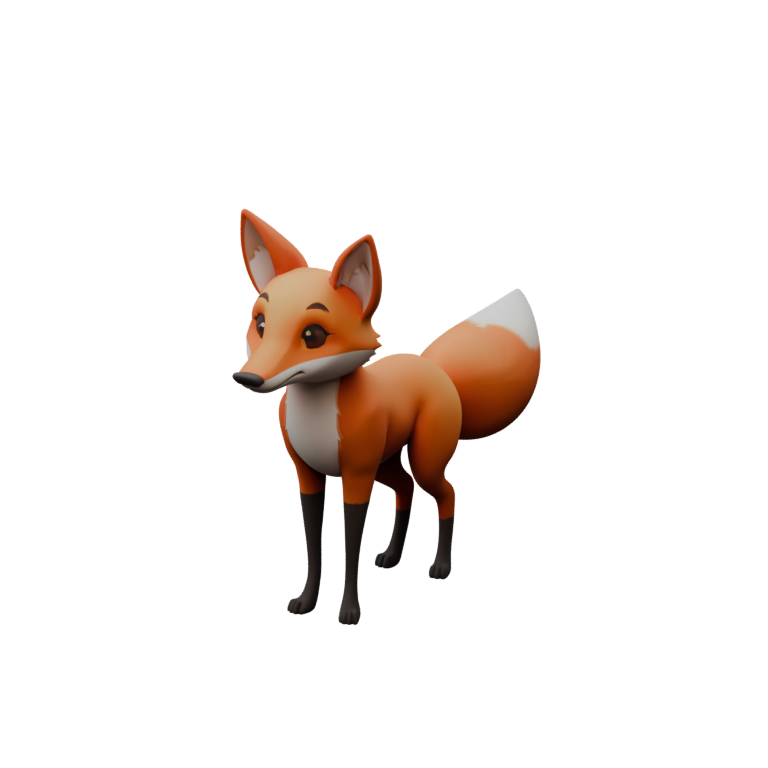
From a still image to a moving asset.
Each stage is available to inspect. Keep the result you like and improve the part that needs another pass.
- 1
Start with an image
Upload a drawing, render or photograph with the whole subject visible. A clear silhouette gives the reconstruction a better starting point.
PNG, JPG or WebP - 2
Inspect the 3D model
Review the textured mesh from every side. Catch missing parts or unwanted geometry before moving on to the rig.
Textured GLB output - 3
Build a rig that fits
Bake3D plans joints and skin weights for the generated shape. Inspect the skeleton and deformation preview, then refine the result when needed.
Characters, creatures and objects - 4
Give it something to do
Describe an action or choose a compatible motion. Export baked animation and keep creating in your 3D editor or game engine.
Animation and editor workflows
A character becomes a performance.
A glance, a tail wag, a change of pace. Explore real motion on a Bake3D-generated fox, then give your own creation something to do.
This is one example. Your project can be a creature, a robot or a moving object. See the full image-to-animation workflow.
Different shapes. One workflow.
Bake3D is built for more than a human template. The goal is a useful rig for the actual shape in front of it—from creatures to mechanical assemblies.
Characters
People, stylized heroes and expressive avatars.
Animals
Four-legged companions, wildlife and imagined species.
Winged creatures
Birds, dragons and characters built around flight.
Long, flexible bodies
Tails, serpents and chains that bend along their length.
Aquatic life
Fins, flippers and motion that does not rely on a floor.
Many-limbed creatures
Multiple leg pairs and independently articulated appendages.
Vehicles and machines
Bodies, wheels and parts that need to move independently.
Unusual objects
Props, soft forms and hybrids beyond a standard body plan.
Input quality and topology affect every result. Inspect the generated rig before production use. See how we test different structures.
Bring the result into your scene.
Bake3D creates the asset. Your editor stays the place where you build the game, film or experience.
Blender
Generate, describe motion and import through the Bake3D add-on.
Blender workflowUnity
Import a rigged or animated GLB with the editor tool and glTFast.
Unity workflowUnreal Engine
Generate, export and import through the editor Python script and the Interchange glTF pipeline.
Unreal workflowMCP assistants
Create jobs, direct motion and request exports from a connected assistant.
Connect Bake3D MCPIntegration guides state what has been tested and what still needs validation in the target editor.
Credits, packs, or a plan.
One credit is about two cents. A mesh is 25, a rig 10, a custom described motion 5. Preset animations and exports are free. Credits are charged when a job is accepted and refunded if it fails.
Packs · pay once
- Starter $10 · 500 cr · ≈ 14 animated models
- Maker For regular use$25 · 1,400 cr · ≈ 40 animated models
- Studio Best value$60 · 3,600 cr · ≈ 102 animated models
Plans · monthly
- Free 60 credits on sign-upFree
- Pro 1,500 credits / month$24 / mo
- Studio 6,000 credits / month$79 / mo
From your tools to a rigged GLB.
Create a job from a prompt, one image or up to four views of one subject, poll it, then request your download. Keys live under Account → API. Sixty requests a minute per key; jobs are billed in credits when accepted.
curl -X POST https://bake3d.ai/api/v1/generate \
  -H "Authorization: Bearer bk_live_7f3a…" \
  -H "Content-Type: application/json" \
  -d '{
    "imageUrls": ["https://example.com/fox-front.png", "https://example.com/fox-side.png"],
    "options": { "quality": "standard", "pbr": true, "rig": true }
  }'
# imageUrls: 1–4 angles of one subject; the first is the primary reference.
# → { "project": { "id": "prj_01J…" },
# "job": { "id": "job_01J…", "status": "queued", "creditsCharged": 35 } }curl https://bake3d.ai/api/v1/jobs/job_01J… \
-H "Authorization: Bearer bk_live_7f3a…"
# → { "id": "job_01J…", "status": "succeeded", "projectId": "prj_01J…", … }
# Once succeeded, request the project's rig download:
curl -X POST https://bake3d.ai/api/v1/projects/prj_01J…/export \
-H "Authorization: Bearer bk_live_7f3a…" \
-H "Content-Type: application/json" -d '{}'
# → { "downloadUrl": "https://…", "format": "glb", "creditsCharged": 0 }Make the next step a good one.
Practical guides for preparing an image, inspecting a rig and taking animation into your editor.
Start here
From one image to a rigged 3D character
Prepare an image, inspect the generated mesh, add a rig and create your first animation.
Read the guide →Rigging
How to check an AI-generated 3D rig
A practical review of geometry, joints, skin weights, motion and export quality.
Read the guide →Rigging
Rig a quadruped from one image
What Bake3D checks when it rigs a four-legged creature, how to read the reports, and how to fix the common problems.
Read the guide →Questions people actually ask.
What kind of image works best?
A single subject on a plain background, seen from the front or three-quarter view, with the whole body visible. We remove backgrounds automatically, but occluded limbs have to be guessed by the mesh model, so a clean silhouette matters more than resolution. 1024 px on the long edge is plenty.
Does it rig things that are not humanoid?
Yes. Bake3D plans joints from multiple views, checks their placement against the mesh, and solves skin weights for the character’s anatomy. Joint roles let motion address legs, wings, tails and other parts by meaning. Results depend on the image and geometry; inspect the rig report and correct or re-rig difficult shapes in the studio.
What does “describe the motion” actually do?
Bake3D uses your description and the character’s labelled skeleton to compose motion. The engine checks joint references, applies rotation limits and plays the result. You can adjust the motion, request a visual critique in the studio, and export it as baked keyframes for another editor.
What do I get out?
A GLB containing the mesh, textures, skeleton and skin weights. Choose an animation to include its baked keyframes. Blender and Godot import glTF directly; Unity needs a glTF importer such as glTFast, and Unreal uses its Interchange pipeline. Choose FBX instead for a binary FBX 7.4 file with the skeleton, skin weights, embedded base-colour texture and one baked clip, verified in Blender 4.4. The integration guide includes editor tools and setup instructions. USD is not exported.
Who owns the result?
Free accounts receive a personal-use license; Pro and Studio include commercial use for work generated while subscribed, subject to the terms and rights in your input. Source images and generated assets are saved in your project. See the privacy notice for processing and retention details.
What happens if a job fails?
Credits are charged when a job is accepted and refunded automatically if any stage fails. Partial results (for instance a mesh that could not be rigged) are kept in your project so you can retry only the failed stage.